 Pastport
Every country you've been, stamped on a globe
Pastport reads the GPS already saved in your photos and lights up each country you've set foot in. Spin it. Your whole travel history becomes one object you can hold.
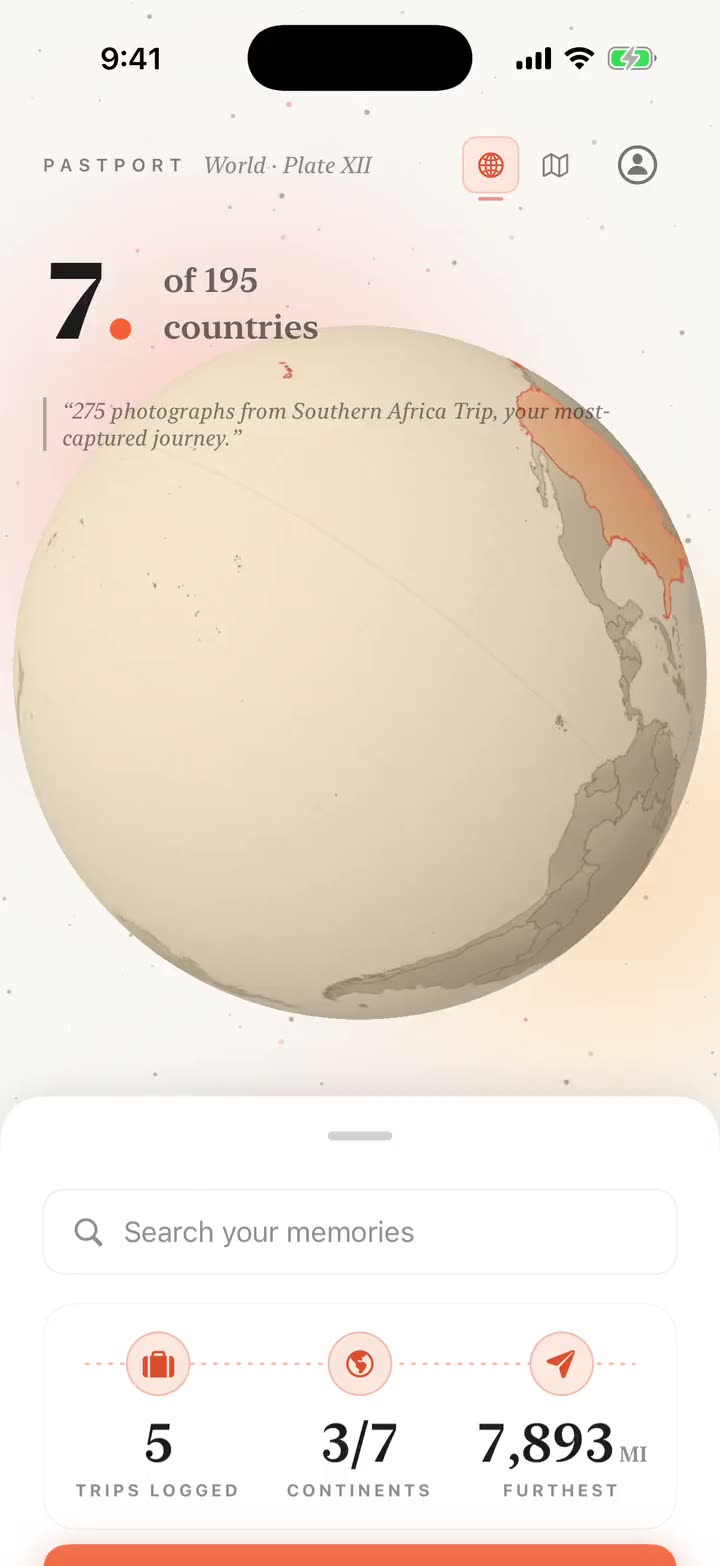
Pastport quietly reads the GPS-tagged photos already in your camera roll and turns them into a living globe of everywhere you've been. Trips are detected automatically, day by day, right on your iPhone.
These are real screens from the app, built from the photos already on an iPhone.
Pastport reads the GPS already saved in your photos and lights up each country you've set foot in. Spin it. Your whole travel history becomes one object you can hold.
Weekend escapes, long hauls, even the layover you forgot about. Pastport groups your photos into trips automatically, each with its dates, places, and photos.
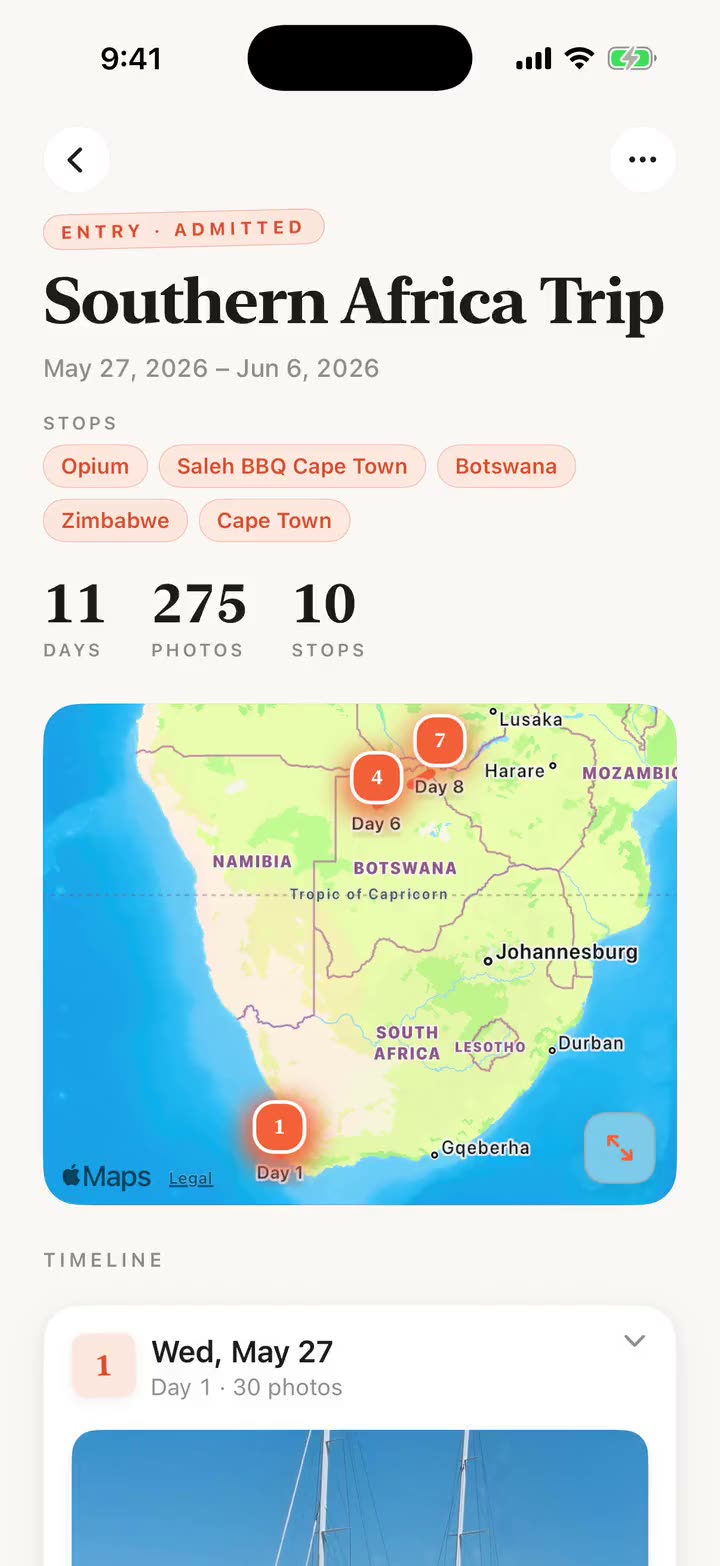
Open a trip and walk it again, stop by stop: the cities and neighborhoods you moved through, in order, with the photos you took in each one.
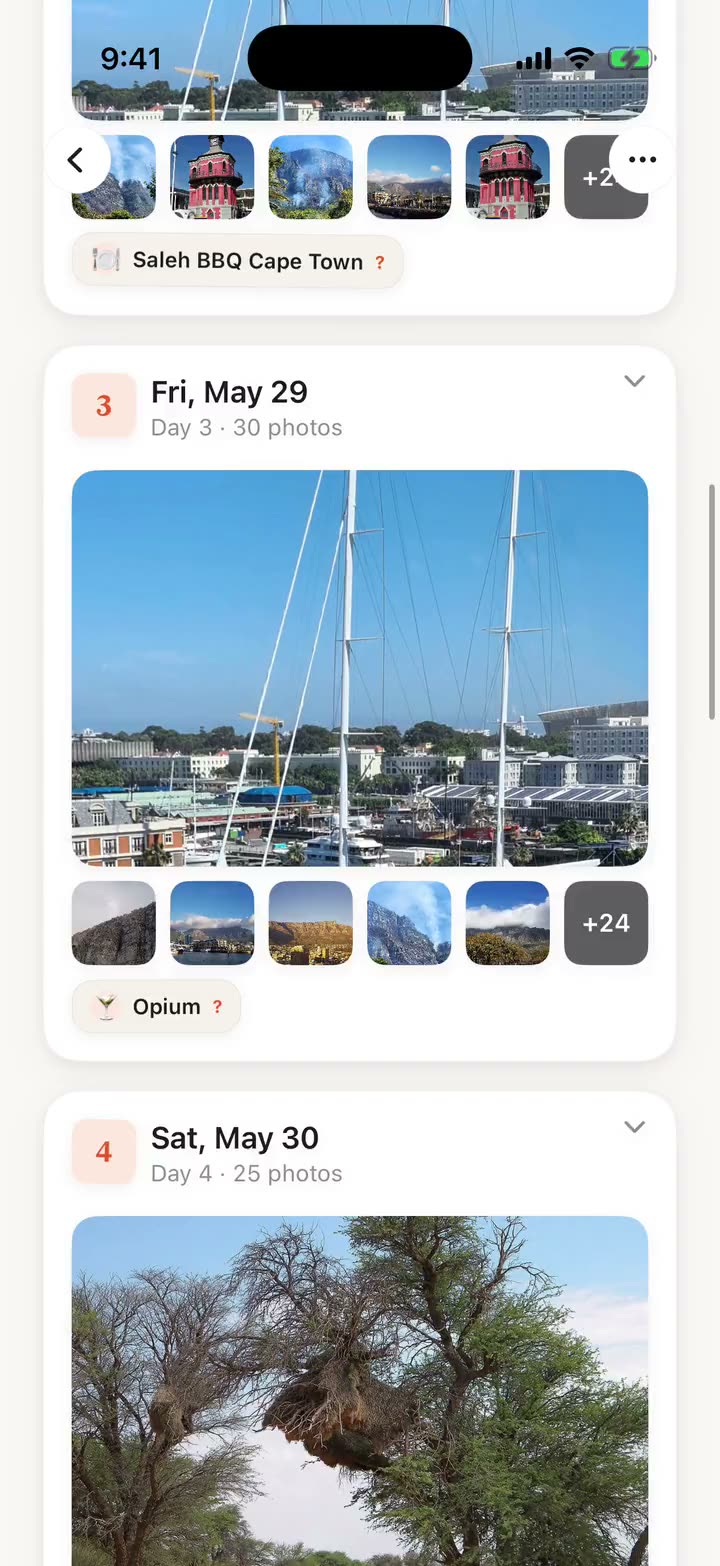
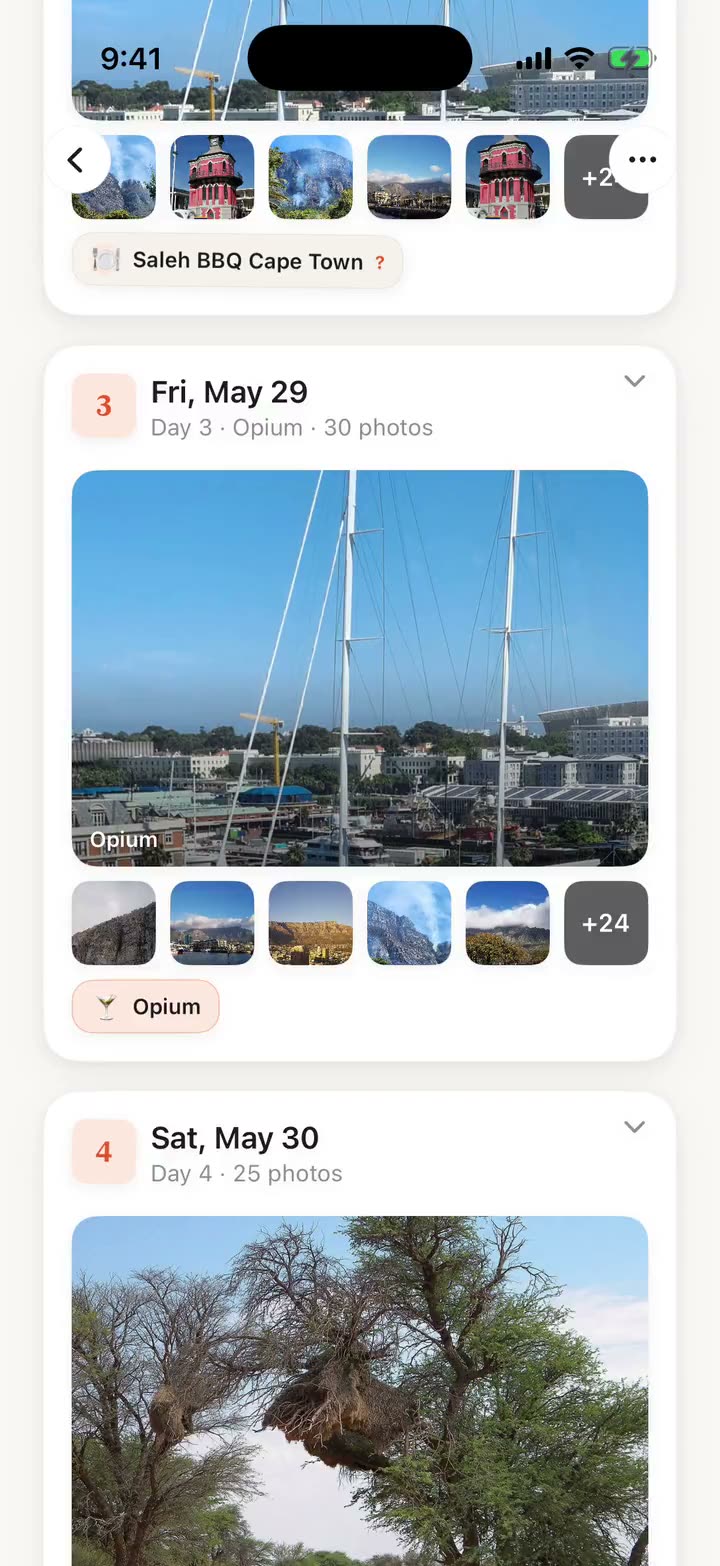
Every stop opens into the actual spots: the cafe, the museum, the rooftop bar. Pastport labels the places inside each stop, so "what did we even do in Lisbon?" finally has an answer.
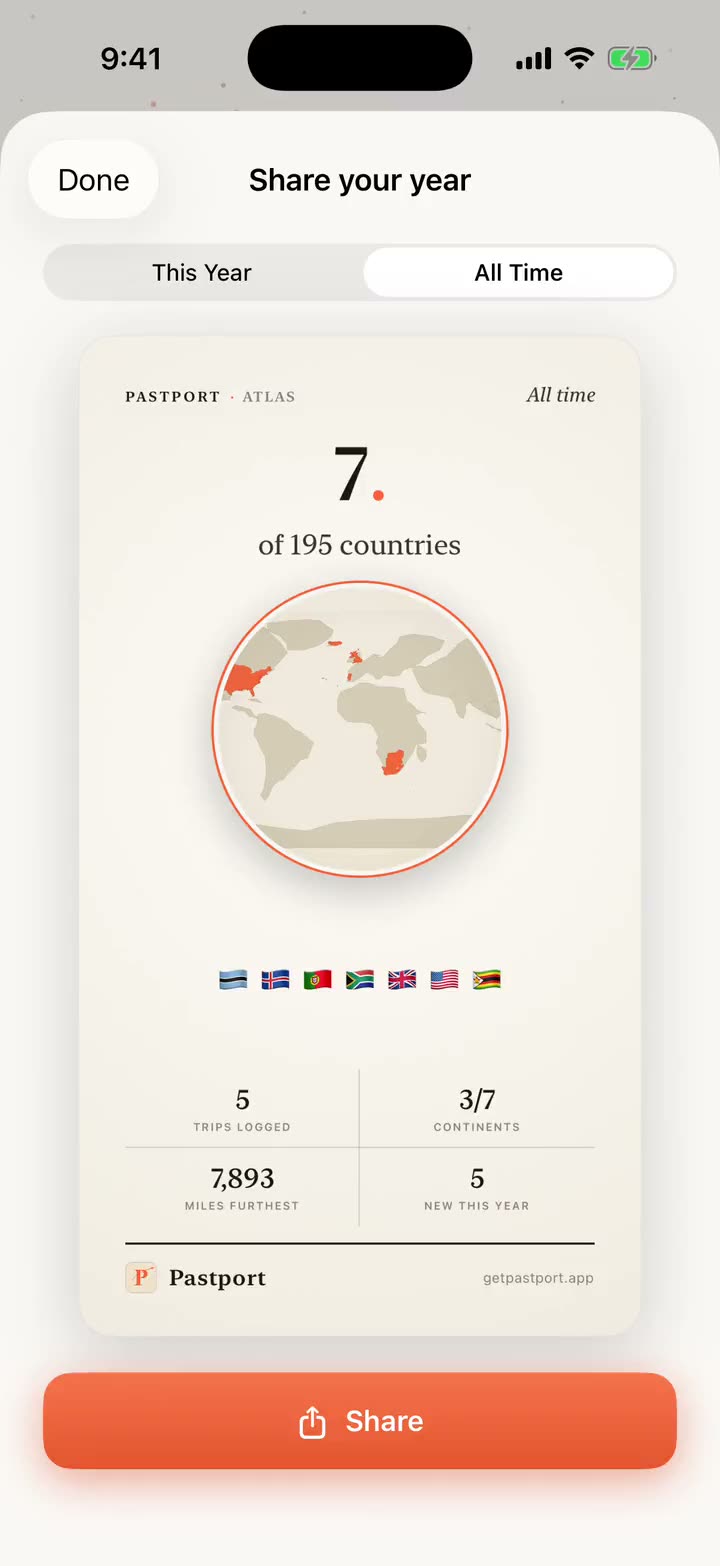
Turn any trip, or your whole year, into a beautiful recap card and share it anywhere. Saving that card is the only time Pastport ever writes to your library.
Everything above runs on the photos you already have. No account, and your photos are never uploaded.
Download on theApp StoreYour photos are never uploaded off your phone.
There is no Pastport account and no Pastport server holding your trips. Trip detection and Pastport's own keyword search run on your device; city and country labels use Apple's own reverse-geocoding. Pastport does send pseudonymous product-usage data, and you can turn that off in Settings. It never carries your photos, your trip names, or your searches.
No importing, no manual logging, no timeline to keep up to date. Pastport does the work from the photos you already have.
Give Pastport permission to read your camera roll. It only looks at photo dates and the GPS coordinates already embedded in them, never uploading a single image.
Pastport groups your photos into trips automatically and drops each one onto a warm, spinnable globe: every country you've set foot in, stamped in orange.
Open any trip for a day-by-day timeline with the places you visited, search across everywhere you've been, and share a beautiful recap card of your travel year.
Yes, and here is the precise version. Pastport reads your photos entirely on your iPhone, and they are never uploaded. There is no Pastport account and no Pastport server holding your trips, so no one here can see them. Apple receives the coordinates already inside your photos, to label places and draw maps. Pastport also sends pseudonymous product-usage data to our analytics provider, which never includes your photos, your trip names, or your searches, and which you can turn off in Settings under Privacy & Data. The details are in our privacy policy.
Pastport builds trips from the location data saved inside your photos. If a trip's photos don't have GPS coordinates (for example, if location services were off for the camera, or the photos were sent to you rather than taken by you), Pastport can't place the trip on the map, so it may not appear automatically or may be incomplete.
To detect trips automatically, yes: Pastport relies on the GPS coordinates stored in each photo. Most iPhone photos already include this if you allowed the Camera to use your location. Keeping Camera location access on helps future photos include GPS data, which Pastport needs to detect trips automatically.
Pastport works with whatever you're comfortable sharing. If you choose "Select Photos" instead of full library access, Pastport builds trips from just the photos you pick, and you can add more anytime. Full access simply lets it find your trips for you, automatically.
Mostly, yes. Detecting trips and browsing your saved globe work without a connection. The things that need the internet are Apple's map tiles, turning photo coordinates into city and country names the first time, and loading iCloud Photos originals if a trip's photos live in iCloud. The place labels get cached as you go.
Pastport includes a fast keyword search across your trips: type a city, country, or place and jump straight to those memories. All of it runs on-device.
Pastport is free, with no ads and no in-app purchases. If paid features are ever added later, you'll be asked to opt in. You'll never be charged automatically.
An iPhone running iOS 17 or later. Pastport is an iPhone app: there's no account, no companion website, and nothing to set up beyond granting photo access.
Never. Pastport only reads your photos to understand where and when they were taken. It doesn't move, edit, or delete anything in your library. The one exception is entirely up to you: if you tap to save a shareable trip card, that image is added to your Photos.
Pastport is actively developed. Here's what's being worked on right now, so you know where it's going.
The whole app, and your trip cards, in a warm dark palette. Built so a card looks just as good at night as it does in daylight.
Your country count and your filled-in world map, right on your home screen. Plus a photo from a trip you took on this day, years ago.
Better at naming the exact restaurant, bar, or viewpoint a photo was taken at, not just the neighborhood. The single thing we're putting the most work into.